For show, meat, pet, wool and homestead rabbitries
Choosing a rabbitry app? Ask these 8 questions first.
We're rabbit breeders too, and we've kept records in notebooks, spreadsheets and apps. Here's what we'd want to know before moving a whole herd into anything, ours included.
4 minute readFrom the Rabbitry Run team

Switching record systems is a big job, so it's worth getting it right the first time. Every app looks good on its home page. The real differences show up later, when your herd grows, when you need an old pedigree, or when the barn signal drops.
So instead of telling you which app to pick, here are the questions we'd ask. We'll tell you how Rabbitry Run answers each one, and you can hold any app up to the same list.
1. Does the price go up as your herd grows?
Some apps charge by how many rabbits you keep, and some count every rabbit you've ever added, even after you've sold or archived them. Others save things like health records or cage cards for the higher plans. Add up what you'd pay at the herd size you're working toward, not just the size you are today.
How we handle it
One price for any herd. $7.99 a month or $65.99 a year, whether you keep 10 rabbits or 500, with every feature included.
2. Can it read your paper pedigrees?
Some importers only read PDFs that were made on a computer, not a photo or a scan of a paper pedigree. Before you commit, try it with a real pedigree from your binder and see what comes through.
How we handle it
Snap a photo, upload a scan or PDF, or bring in a CSV spreadsheet. Smart Import handles up to 120 photo or PDF pedigrees at once, you review everything before it's saved, and you can undo an import for 30 days.
3. Can you check a pairing before you breed?
Not every app checks how related two rabbits are, and some list it as coming later. If you're working a line, that check is worth having before the doe goes to the buck, not after.
How we handle it
Check relatedness before a pairing, and use Hypothetical Breedings to explore possible colors and genetics before you make the call.
4. How many generations can you print?
Some apps show or print three or four generations. That's fine for a sale, but if you breed for shows or work closely with your lines, you may want to see further back.
How we handle it
Print a clean, letter-size pedigree up to six generations deep.
5. Will it run on the devices in your barn?
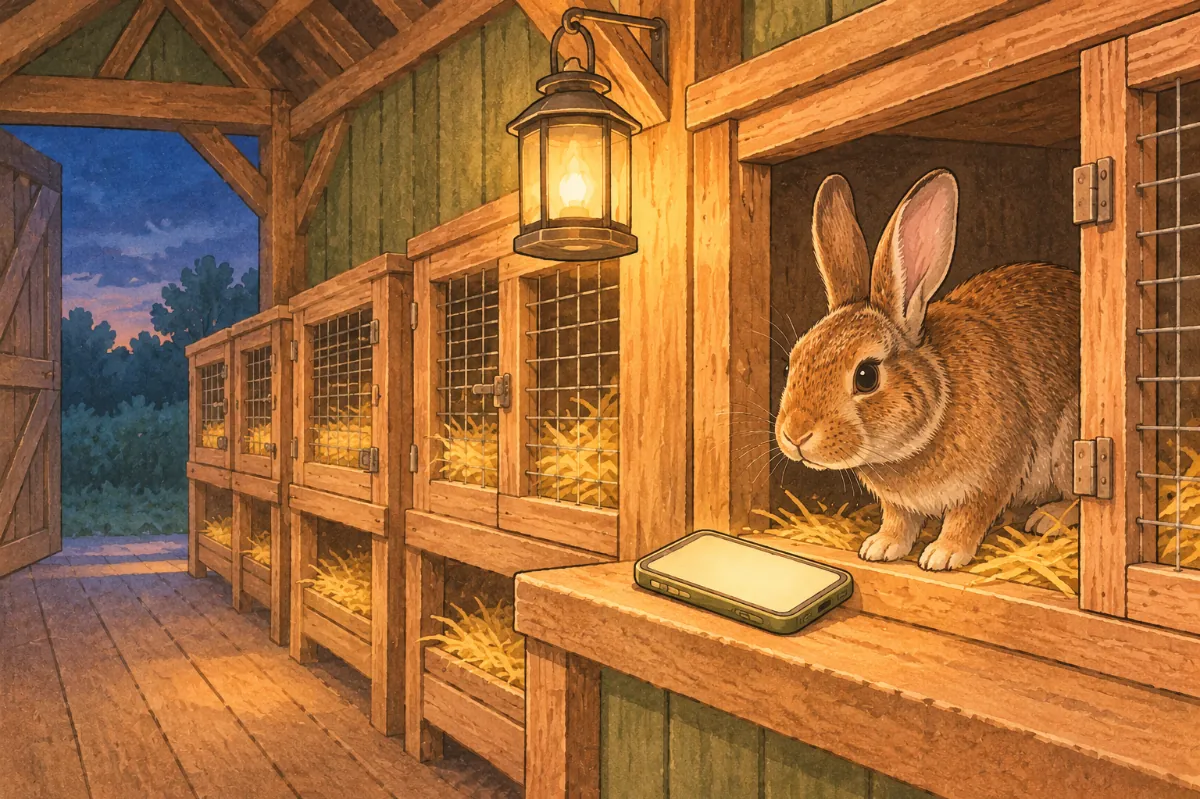
Some apps only run on one kind of phone, or need the newest system version. Check that it works on the phone you actually carry to the barn, and that it keeps working when the signal drops.
How we handle it
Use it on your phone, tablet or computer. It works in the barn, even offline, and syncs once you're back in signal.
6. Where do your records live, and can you take them with you?
If your records only live on one phone, a cracked screen or a lost phone can take years of work with it. Look for a backup, an export you can open in a spreadsheet, and a clear way to delete your account if you ever leave.
How we handle it
Back up your rabbitry from Settings, download pedigrees and reports as PDFs or your records as spreadsheets, and delete your account from Settings whenever you want.
7. Does it fit the way you raise rabbits?
A lot of tools lean toward one kind of rabbitry. If you raise meat or wool rabbits, or sell kits from a waitlist, check that those records have a real home and aren't squeezed into a notes field.
How we handle it
Breeding and litters, health and quarantine, harvest and wool records, sales and waitlists, shows and results, all in the same place.
8. Is it getting better, or just promising to?
A long list of features marked "coming soon" is nice to read, but it doesn't help you in the barn today. Look at what's actually been added lately, and check how you'd reach a real person when something goes wrong.
How we handle it
We'd rather get a feature done right than announce it early. Lately that's meant Smart Import, a bigger update to Ask Your Herd, more useful Notes with checklists and templates, and one-tap access to a sold rabbit's records right from the sale, many of them straight from breeders' suggestions. When you need us, you can use our feedback form, join our Discord for help (even a call or video walkthrough), or message or email us. We read it all.
The best test is your own herd. Bring a few real pedigrees over and see how it feels.

A quick checklist for your free trial
- Import three of your real pedigrees, including an older paper one
- Add your current breedings and see what reminders show up
- Print one pedigree and check it against the paper copy
- Open the app in the barn with the signal off
- Export your records and open them in a spreadsheet
- Work out the price at the herd size you're aiming for
Try it with your own herd
Rabbitry Run is made by breeders with breeders' wants and needs in mind. Start a 14-day free trial, no card needed, and run through the checklist above. If you don't add a card, the trial just pauses when it ends and nothing is charged.
Start your free trialCancel in a few clicks anytime. What's the one question you'd add to this list?