For show, meat, pet, wool and homestead rabbitries
Your rabbitry has a history. Here's how to bring it with you.
A simple plan for moving your records out of binders, notebooks and spreadsheets without retyping them. It works whatever you end up using.
4 minute readFrom the Rabbitry Run team
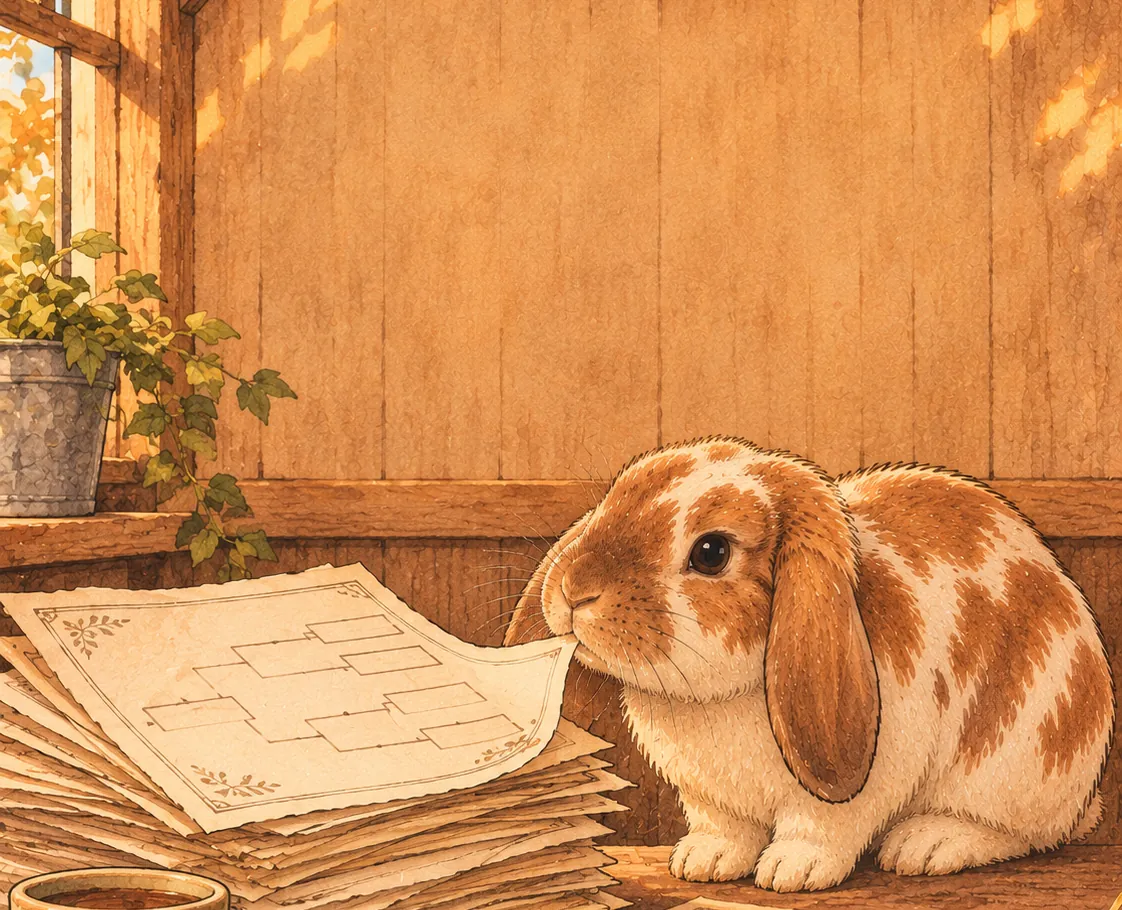
We get it. The stack is the hard part.
We're rabbit breeders ourselves, and we use Rabbitry Run every day in our own barn. So we know how it goes. A notebook by the cages, a spreadsheet at home, kindling dates on the calendar and a camera roll full of pedigrees. Moving all of that anywhere new sounds like a weekend you don't have.
So many of you told us getting started was the slowest part. We took that to heart. Here's the plan we'd follow, step by step, and how Rabbitry Run helps at each one.
1. Find every place your records live.
Before you move anything, make a quick list: the barn notebook, the spreadsheets at home, kindling dates on the calendar, pedigree photos on your phone, old show reports and sale notes. It's easy to forget one until you need it.
In Rabbitry Run
Pedigree photos, scans, PDFs and CSV spreadsheets can all come in together in a single Smart Import, so most of that list can go in at once.
2. Start with the rabbits you're breeding now.
Your current herd, their parents and any litters on the ground matter most day to day. Older lines and rabbits you sold years ago can come in later, a batch at a time.
In Rabbitry Run
Ancestors connect as pedigrees go in, so even a small first batch gives you linked family trees right away.
3. Pick one name and one tattoo for each rabbit.
The same doe written three different ways turns into three different rabbits. Decide how you'll write each name and tattoo before you start, and stick to it.
In Rabbitry Run
Smart Import watches for rabbits and ancestors already in your herd, so you can match them up instead of ending up with duplicates.
4. Take clear photos of your paper pedigrees.
Lay each one flat in good light, fit the whole page in the shot, and keep it to one pedigree per photo. A clear photo reads better wherever it ends up.
In Rabbitry Run
Upload up to 120 photo or PDF pedigrees in one import instead of entering them one at a time.
5. Tidy your spreadsheets.
One row per rabbit, with the same columns all the way down, makes any import go smoother. Name, tattoo, sex, breed, color, birth date, sire and dam cover most of what you need.
In Rabbitry Run
CSV spreadsheets come in alongside your pedigrees, up to 10,000 rows at a time.
6. Check a few against the paper.
Once everything is in, pull three or four pedigrees and compare them line by line with the originals. If those are right, you can trust the rest a lot more.
In Rabbitry Run
You review and correct everything before it's saved. If something isn't right later, you can undo an import for 30 days.
7. Add what's coming up next.
Enter your current pairings and due dates right away. That's the moment your records stop being a history and start helping you plan the week.
In Rabbitry Run
Pairings, palpation, kindling, kit weights and tattoos live in one record, with reminders for what's coming up.
8. Keep your paper copies.
Even after everything is moved, put the originals somewhere safe. It's your rabbitry's history, and it's nice to have a backup you can hold.
In Rabbitry Run
You can also back up your rabbitry from Settings and download pedigrees as PDFs whenever you want.
Let the hay be messy. Not your records.
Once it's all in one place
The move is the hard part. After that, a lot of small jobs get quicker. A few worth knowing about:
Plan before you pair
Check relatedness and explore possible colors and genetics with Hypothetical Breedings before you make the call.
Records right at the cage
Scan a QR cage card to pull up a rabbit, and use Quick Log for weights, grooming and health notes while you do chores.
Ask Your Herd
Ask something like "Which does are due to kindle in the next couple of weeks?" and it answers from your own records.
Health, sales and shows
Treatments and quarantine, waitlists and your storefront, show entries and results, all in the same place.
A Marketplace for your rabbits
Rabbitry Run breeders can list on the Marketplace, now in beta, where buyers browse and message you directly.
Try it with your own herd
Rabbitry Run is made by breeders with breeders' wants and needs in mind, and it's one price for any herd: $7.99 a month or $65.99 a year, every feature included. Start a 14-day free trial, no card needed, and bring a few pedigrees over to see how it feels. If you don't add a card, the trial just pauses when it ends and nothing is charged.
Start your free trialCancel in a few clicks anytime. And if you give it a try, we'd love to hear what you think. What's the first thing you'd bring over?